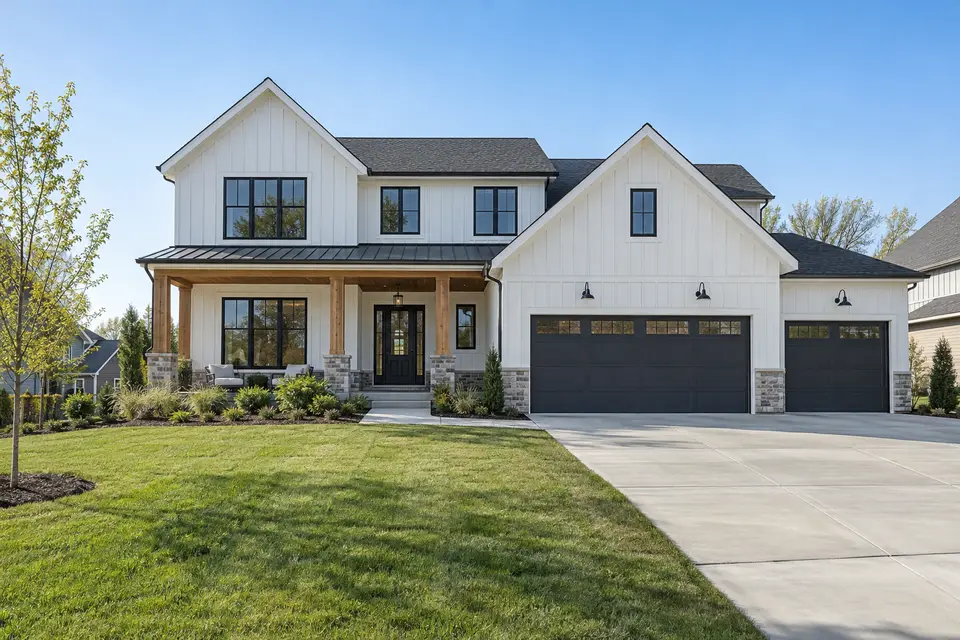


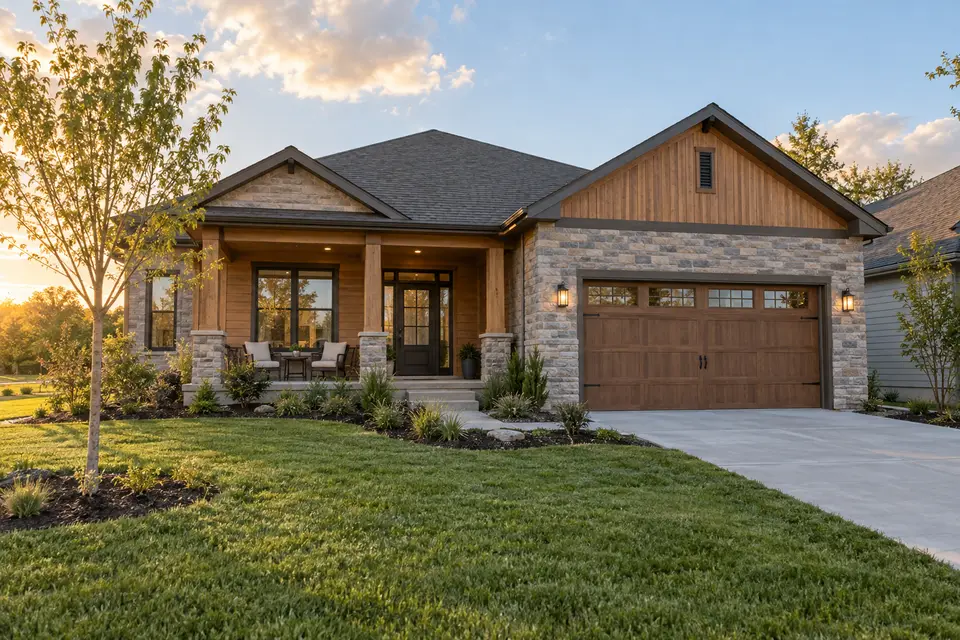
 Move-in ready
The Cedar · Lot 143 bed · 2 bath · 1,980 sq ft · Single story$474,900
Cody Convert
A home builder chatbot opens when a buyer is comparing available homes, asks about their timing, shows the homes ready by then and answers questions about HOA fees and lots from your pages. Builders use Cody Convert to book tours, with each buyer’s home and questions attached.
Signals
A search for new homes in the community, a third visit this week, the floor plan opened twice. Convert opens when a buyer is weighing a home, not on every visit.
Opener
The opener asks about timing and offers what buyers ask most: what’s ready, the HOA fees and a tour.
Match
One question about when they need to move, then the available homes that fit, with photos, prices and move-in dates.
Answers
HOA fees, lot details and what’s included come from your own pages, with the sources shown.
Book
The buyer picks a time and leaves their details in the conversation. Your sales team gets the lead with the home, the timing and the questions asked.
In practice
Requests people really make, and what Convert does with each one.
We need to move within 3 months
Takes the next stepShows the homes ready by then, as cards
What are the HOA fees?
Answers with a sourceAnswers from the community guide, with the source
Is the Cedar on a corner lot?
Answers with a sourceAnswers from the home’s listing
Which school district is it in?
Answers with a sourceAnswers from your community page, or says it isn’t covered
Can I still choose finishes?
Answers with a sourceExplains what can change at each stage of the build
Do you have a preferred lender?
Answers with a sourceAnswers from your financing page
Can I see it this weekend?
Takes the next stepOffers tour times and books one in the chat
We want to talk about a custom build
Hands off to a personCollects their details for a sales consultant
Behind the conversation
Every opener comes from a rule you control, and every conversation feeds the numbers you improve with.
 Playbook ruleActive
When all of these are true
| Page | contains | /available-homes |
| Visitor | is | Returning |
| Time on page | at least | 60 seconds |
| Intent | at least | Hot |
Then
FrequencyOnce per visitor
InsightsLast 30 daysAdd the school district to each community page.
Setup
Convert works from your community and home pages. Most builders start on the available-homes page, where buyers compare.
Convert learns the products, pricing and policies on the pages you approve.
Choose when it speaks and what it offers, or approve the rules it suggests.
Convert goes live on your site and starts making the first move.
Results
The numbers that show whether it’s working for this team.
FAQ
Yes. Each available home can be a content card with a photo, price and link, and Convert shows the ones that match what the buyer told it.
Yes. Buyers pick a time from the availability you set and leave their details in the conversation. The tour arrives with the home and the buyer’s questions.
It quotes what your pages say. Incentives appear only where you add them to a rule or a page.
Yes. Rules can use the page a buyer is on, so each community opens with its own homes and questions.
By engaged conversations: visits where Convert opens and holds a conversation. Growth includes 300 a month, Scale includes 1,000, and Enterprise volume is custom.
Cody Convert
Convert works from your own website and the rules you set. Add one script and it starts the right conversations.