


Grounded, not guessing
Every answer is retrieved from the documents you trained it on, so it is never improvised or off-script.
Train Assist on your documents, policies, and processes. It gives your team and customers instant answers, with sources, in every language.
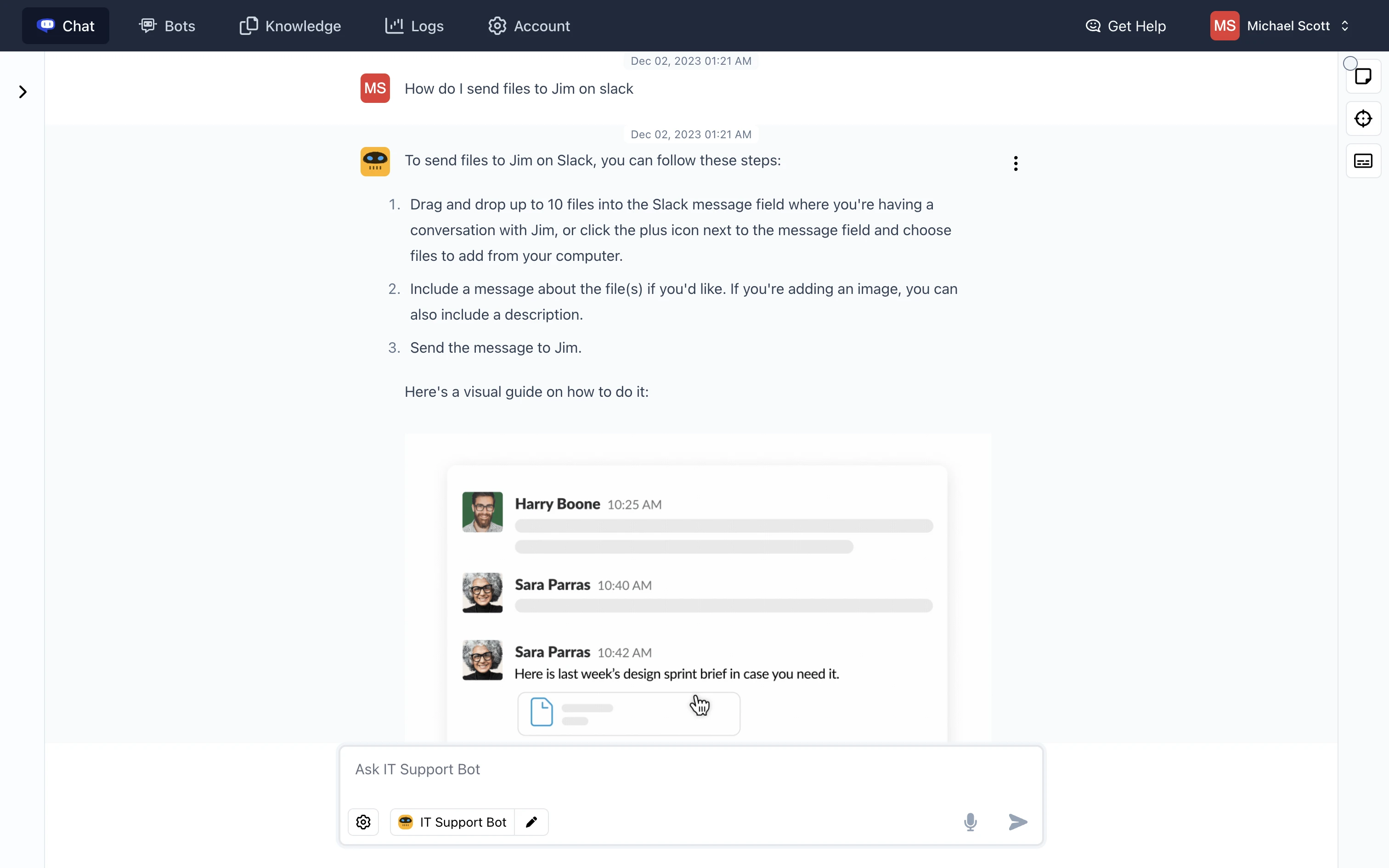
Every answer is retrieved from the documents you trained it on, so it is never improvised or off-script.
Sources are attached to every response, so anyone can check the work in one click.
Ask in one language and answer in another. The same sources serve your whole team and every customer.
Assist doesn’t guess. Every answer comes from the documents you trained it on and shows exactly where it came from, so anyone can check the work in one click.
cody · assist
Knowledge base synced
Annual plans can be refunded in full within 30 days of purchase. After that, we issue a prorated credit for the remaining months. The policy changed in March, so the old 14-day window no longer applies.
Jahresabos können innerhalb von 30 Tagen nach dem Kauf vollständig erstattet werden. Danach schreiben wir die verbleibenden Monate anteilig gut.
Same sources, different language
Train it once, then put it to work inside your company and in front of your customers.
The internal expert every department wishes it had. Assist answers policy questions, troubleshoots tools, and drafts work without anyone digging through folders.
A help desk that has actually read your docs. Embed Assist on your website and let customers get grounded answers at any hour, in any language.
Explore the core Assist workspace, from connecting knowledge to sharing trusted answers and improving them over time.
Knowledge
Upload documents, import a website, and organize company knowledge into focused folders Assist can understand and retrieve from.
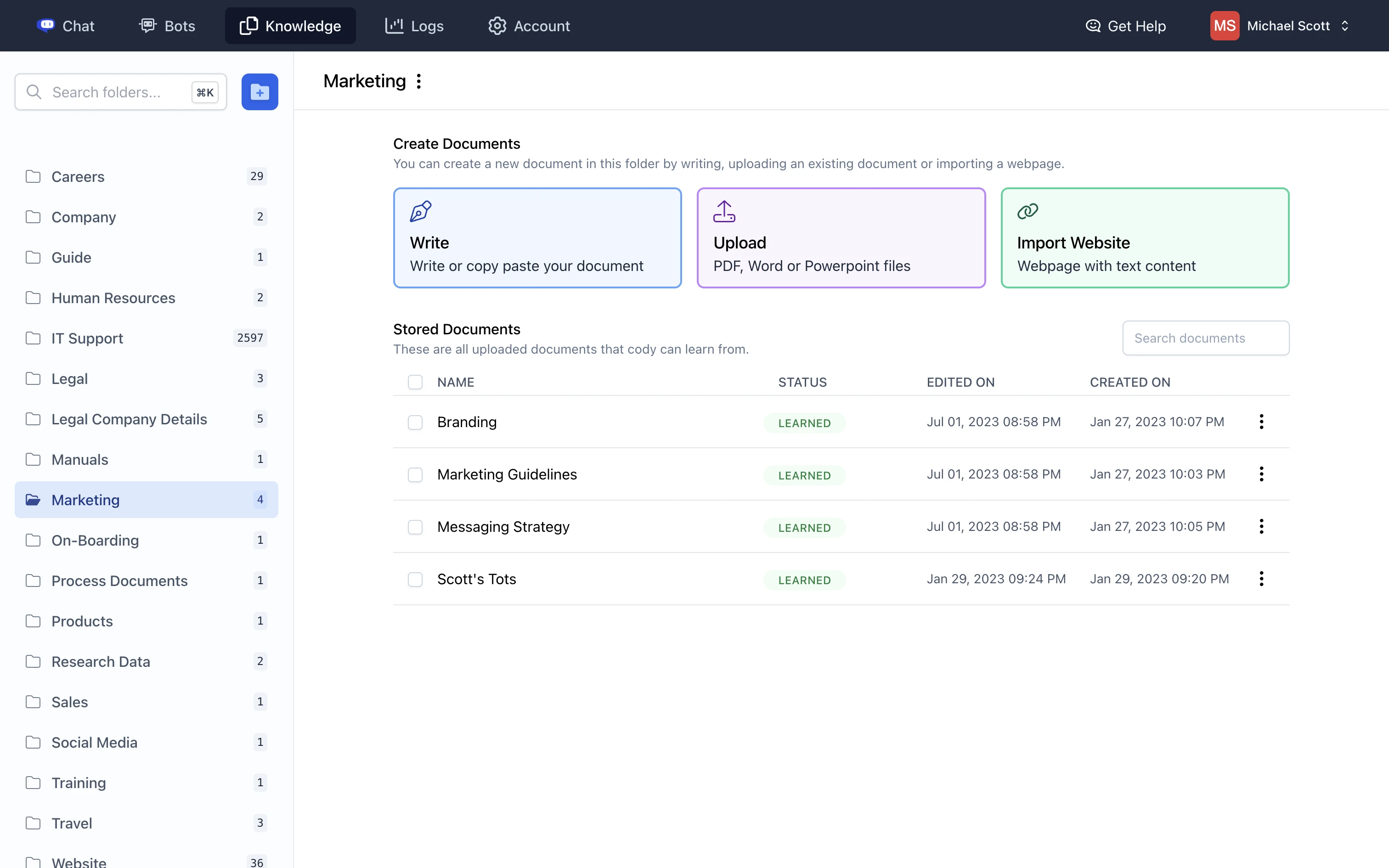
Go from scattered documents to a trained AI assistant in minutes. No code required.
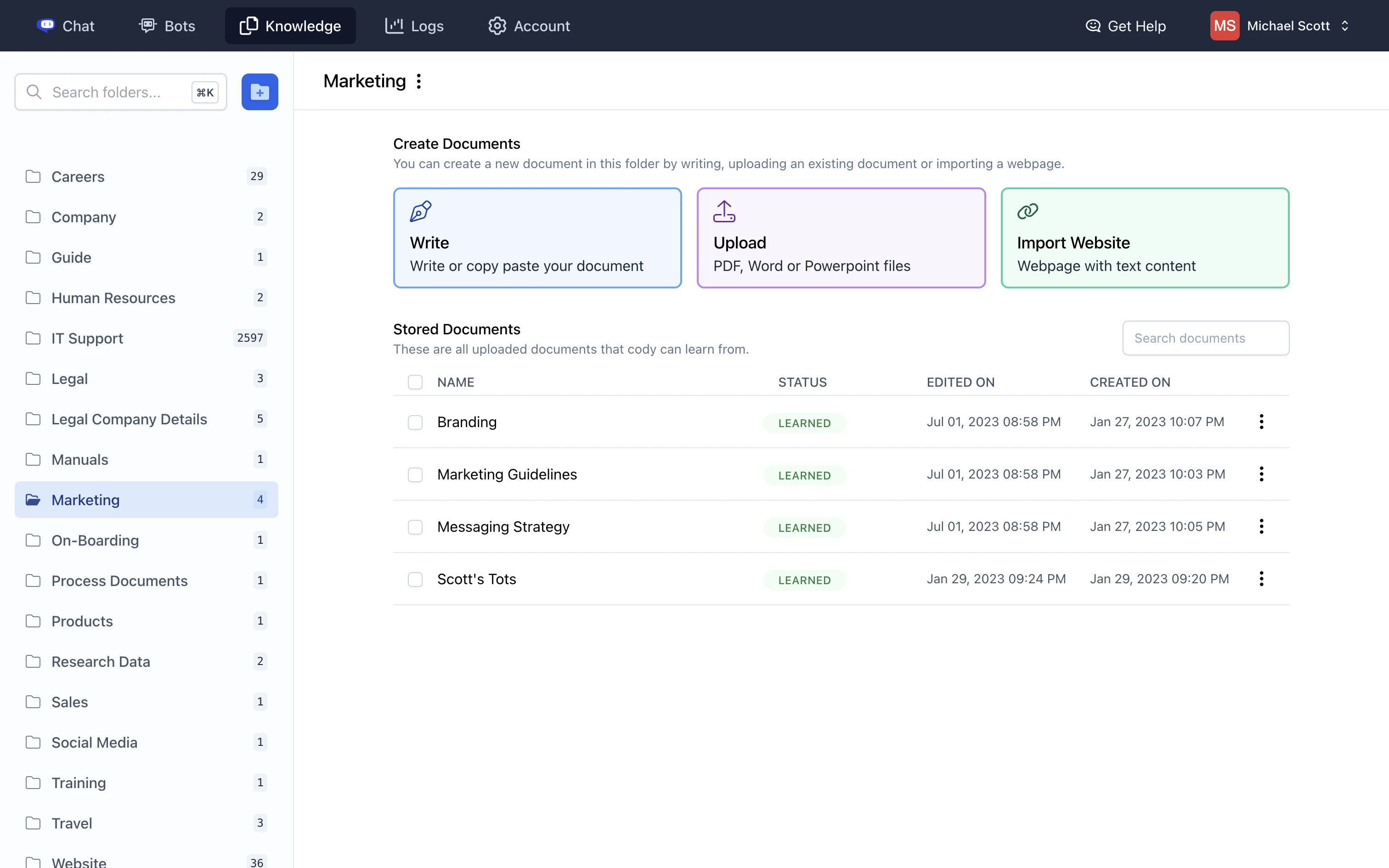
Upload files or connect URLs so Cody can answer from the knowledge you trust.
Everything you need to know before putting Cody Assist to work for your team or customers.
Cody Assist is an AI knowledge agent for your team and customers. Train it on your business content and it answers questions using that knowledge, with the supporting sources attached.
You can connect documents, presentations, PDFs, websites, and business tools. Assist searches the content you provide to answer questions about your policies, products, processes, and support material.
Assist grounds its responses in your connected knowledge base instead of answering from general knowledge. It cites the sources used for each response so your team and customers can verify the answer.
Yes. Your team can use Assist to find internal answers, troubleshoot tools, and draft work, while customers can access the same approved knowledge through a website widget or shared assistant.
Yes. People can ask questions in one language and receive an answer in another while Assist continues to use the same source material.
No. You can upload content, create an assistant, and share it without code. Cody also provides a customizable website widget, plus integrations and an API when you need them.
Pick a plan by usage and team size. Every paid plan includes a customizable website widget and API access.
For individuals and small teams getting started with Cody.
For growing teams that need more models and website tools.
For larger teams running Cody across more of the business.
Cody Free
No card requiredStill exploring? Start free and upgrade when you’re ready.
More ways to start
Browse the Cody agent family, or explore a solution design study for a deployment shaped around your workflows, controls, and goals.